Finding a reliable 30-pin and legacy iPod charging cable that supports both charging and data transfer can be challenging. This guide highlights five compatible options, each suited to different user needs—from fastest charging to durable construction and broad device compatibility. Whether you’re restoring an older iPhone, iPad, or iPod, these cables cover most 30-pin models and classic Apple devices.
| Product | Best For | Key Benefit |
|---|---|---|
| Herfair 30 Pin USB Cable | Users with wide device range | 2-in-1 charging and data; supports many iOS devices |
| ZLONXUN 30 Pin Cable | Durability and data transmission | Metal woven mesh; anti-interference; high efficiency |
| Aibocn 30 Pin Dock Cable | Official Apple accessory compatibility | Apple MFi certified; fits devices with cases |
| sarmert 30 Pin USB Cable | Compact and simple use | Slim dock connector; copper core for charging and syncing |
| AGVEE 30 Pin Charger Cable | Durability and performance | Aluminum shell; high bend lifespan; fast data sync |
Herfair 30 Pin USB Cable for Old and New Devices

The Herfair cable is designed to cover a broad range of 30-pin Apple devices. It supports charging and data transfer, making it a practical option for users who own multiple legacy iOS products. Best for buyers seeking a single cable that covers iPhone, iPad, and iPod families with 30-pin ports. A caution: ensure your power adapter stays under 10W, or charging could fail on some devices.
ZLONXUN 30 Pin Data & Charge Cable
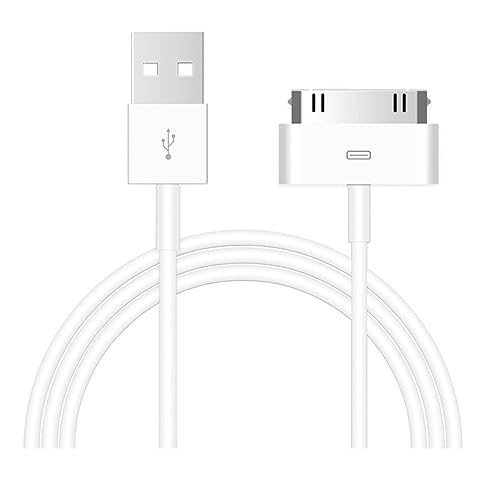
The ZLONXUN cable emphasizes durability with a metal woven mesh and anti-interference data transmission. It is ideal for users who frequently unplug and replug or carry cables in pockets or bags. It is suitable for charging and data syncing of older iPhone, iPad, and iPod devices. Note that data efficiency may vary with device and port condition.
Aibocn MFi 30 Pin Dock Cable
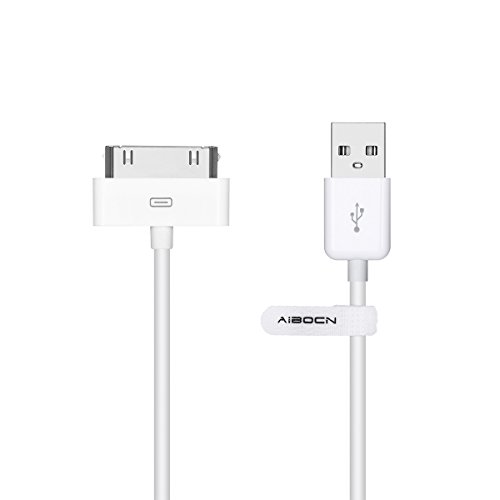
Aibocn’s cable is MFi certified, with a slim dock connector that supports devices even when their cases remain on. This makes it a strong pick for users who prioritize official Apple certification and case compatibility. Best for those who want reliable Apple-aligned performance and straightforward charging. Limitation: bulkier cases can occasionally obscure the connector in tight ports.
sarmert 30 Pin USB Charging Cable
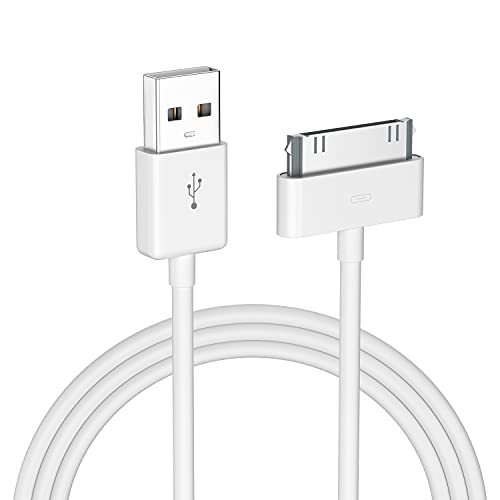
The sarmert cable emphasizes a convenient, slim dock connector that works well with devices without removing cases. It combines copper core wiring for charging and data transfer. Best for users who want a simple, compact cable with dependable charging. Caution: performance may vary with older iPods that rely on specific port tolerances.
AGVEE 4ft 30 Pin Charger Cable

AGVEE combines an aluminum alloy shell with a durable TPE and nylon braided exterior. It supports high bend lifespan and a high data sync rate. Best for users who need a rugged cable that withstands frequent use and multi-device charging. Limitation: maximum charging speed varies by device; some iPhone models may cap at lower amperage.
Buying Guide
What should I consider when buying a 30-pin or legacy iPod charging cable?
- Device compatibility: Check which Apple devices you own (iPhone, iPad, iPod) and ensure the cable lists 30-pin compatibility for those models.
- Charging vs. data: If you need both, choose a 2-in-1 cable that supports data transfer in addition to charging.
- Power adapter requirements: Some cables require specific power conditions (e.g., under 10W) to charge reliably; verify your charger’s output.
- Durability: Look for metal mesh or nylon braiding, and test for bend lifespan if you frequently plug/unplug.
- Certification: MFi certification can indicate compatibility and safety for Apple devices.
- Length and use-case: Consider cable length (3.3ft–4ft range) to suit your setup, whether at a desk or a travel bag.
Why choose a 30-pin cable today?
Many older Apple devices still rely on the 30-pin port for charging and syncing. A reliable cable with durable construction and proper data transfer supports ongoing use without upgrading to newer accessories. For collectors or users with legacy devices, a robust 30-pin option reduces the risk of compatibility issues.
What about compatibility with current devices?
These cables primarily target legacy devices. They are not designed for Lightning or USB-C ports found on newer iPhone and iPad models. If you own a newer device, consider a modern USB-C or Lightning cable instead.
How to maximize cable longevity?
Avoid bending cables at the connector, use a case-friendly length, and store cables away from heat or pinching. Regular inspection of the plug and connector helps prevent data transmission issues.
FAQ
- Can these cables charge an iPhone 4S quickly? Yes, some support higher charging currents, but charging speed depends on the device and the power source.
- Are these cables Apple MFi certified? Several listed options mention MFi certification, which supports compatibility with Apple devices.
- Will they work with iPad models that use 30-pin ports? Yes, many options support iPad 1–3 and older iPod models with 30-pin connectors.
- Do these cables support data transfer? Several models advertise data transfer in addition to charging; confirm in product features.
- Is the connector durable for frequent use? Cables with metal or nylon braiding and high bend testing are designed for frequent use.
- Can I use them with a protective case? Many are designed to fit devices with cases, but some bulkier cases may require careful alignment.